
See MarkToCut in Action
Watch how easy it is to turn raw interview footage into a polished clip just by selecting text.
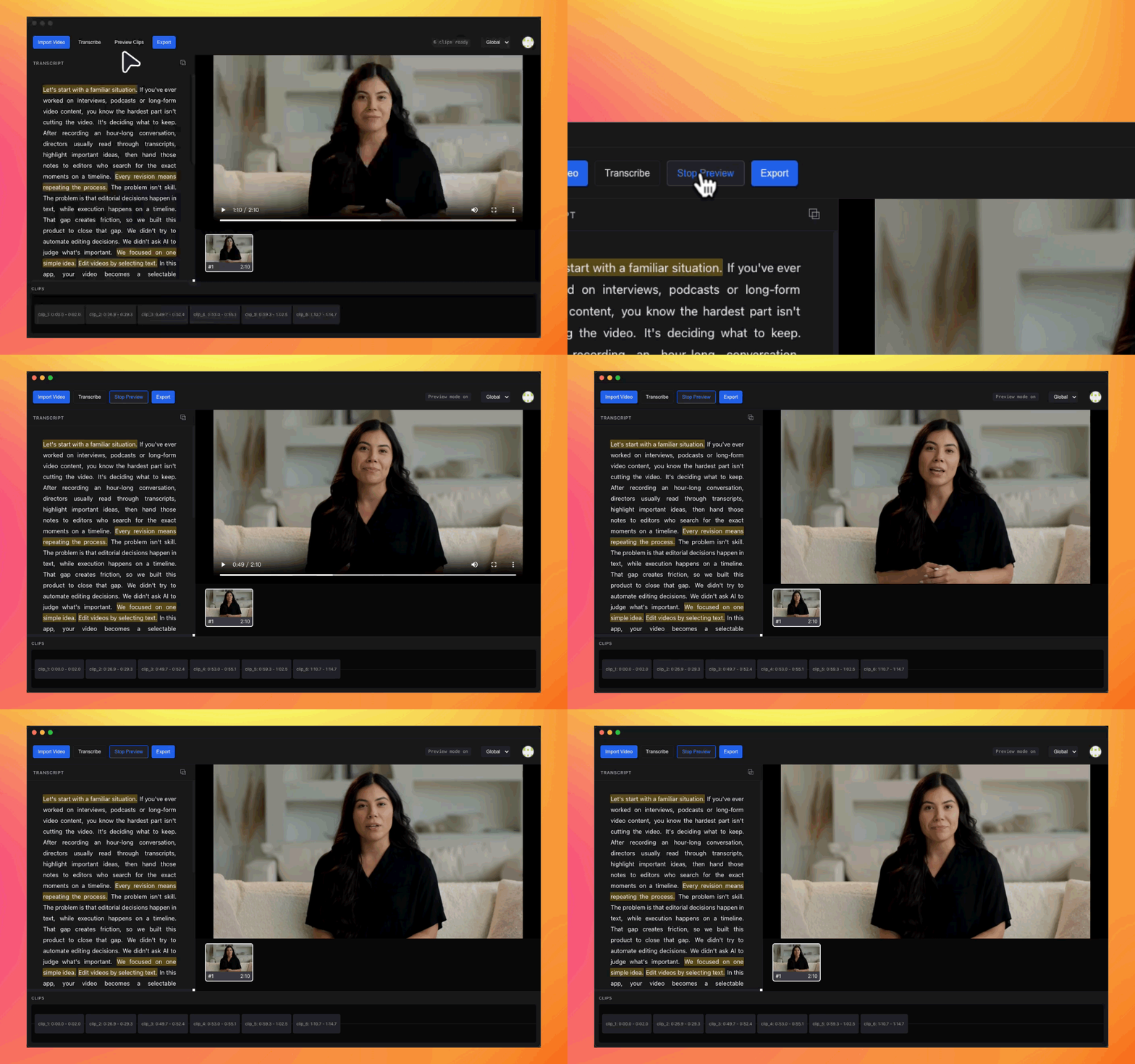
Import Video
The original file stays on your machine.
Auto Transcribe
Long audio is split and transcribed in parallel.
Select Content
Choose what to keep directly in the transcript.
Preview Clips
Watch the video play according to your selections.
Export
Precise cutting and stitching happen locally.
Demo FAQ
Is this a real product demo?
Yes. The video was recorded from the actual desktop application using real processed footage. It demonstrates the actual editing model where decisions are made through text selection rather than timeline manipulation.
Why does selecting text affect the video?
Each word in the transcript is mapped to a specific time range in the video. When you select or mark text, the system automatically identifies the corresponding video segment for inclusion in the final cut.
Is the demo video sped up?
Yes. Some parts are accelerated for presentation purposes to clearly illustrate the workflow capabilities and interaction logic within a short time, rather than representing real-time processing duration.
Is there a traditional timeline involved?
No. The workflow shown does not rely on direct timeline manipulation. Editing decisions are driven entirely by text selection, while timeline operations are handled automatically by the system in the background.
Does the demo show the full workflow?
The demo focuses on reviewing transcripts, selecting content, and defining clips. It does not show media upload, processing time, or detailed export configurations, which are also part of the complete application.
Are video files uploaded to the cloud?
No. Video files remain on your local machine. Only the audio data required for processing is transmitted securely. All editing, previewing, and exporting are performed locally.